My Location
My Location is a free Android app by kaisquare that shows your current GPS coordinates and address and lets you share or save your position.
24.4 MB

1.48.08 · TaxiF · Page updated
TaxiF Driver is the Android app for drivers working with the TaxiF service, used to receive ride requests, navigate to passengers and manage trips.
Average 0.0 · ratings: 0
Thank you! Your rating is saved; you can change it. Could not save the rating. Please try again later. Too many ratings from your network today. Please try again tomorrow. The average appears after 5 ratings.
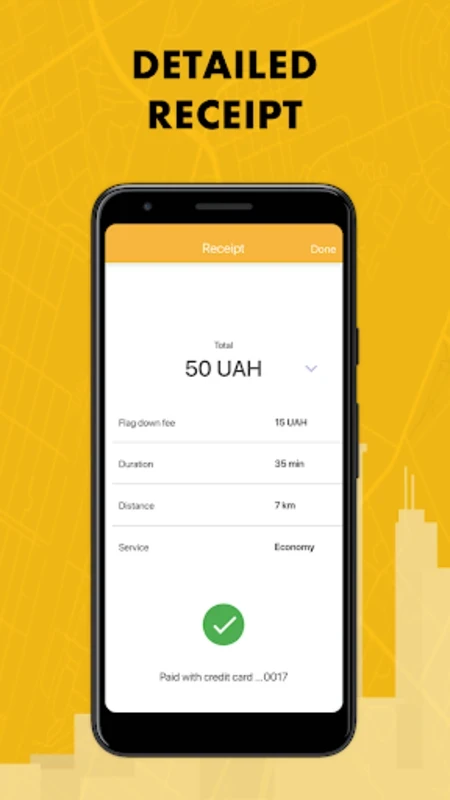
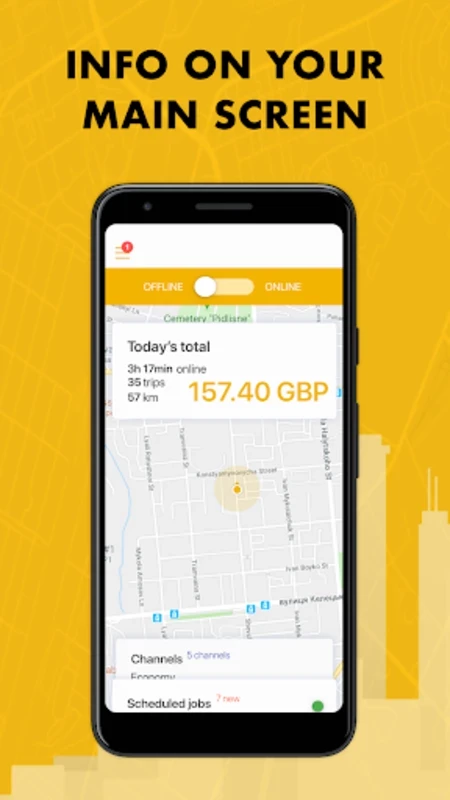
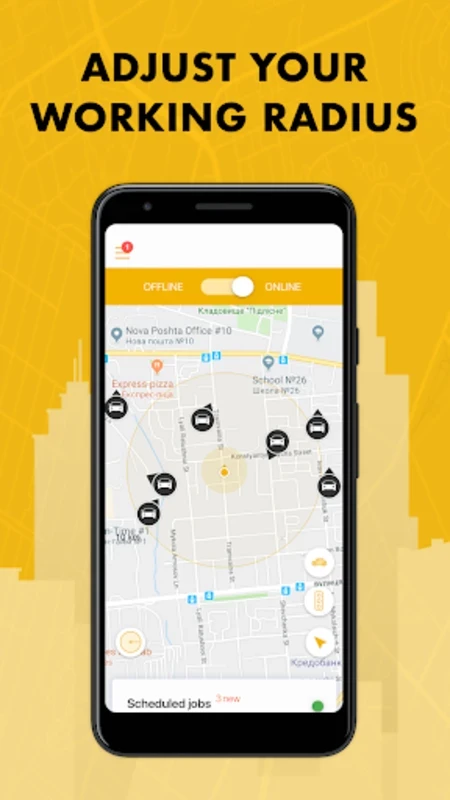
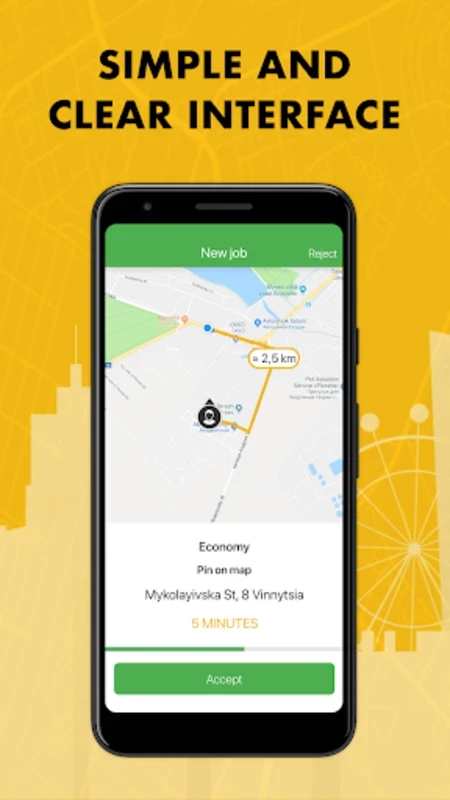
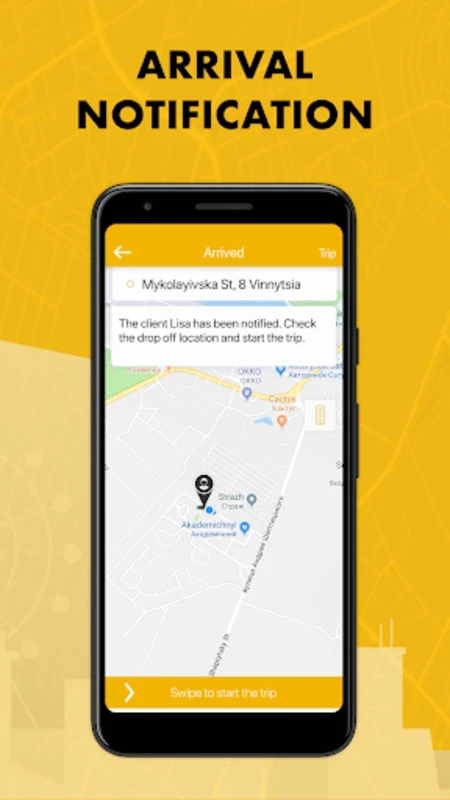
TaxiF Driver 1.48.08 is the Android app for drivers who work with TaxiF, a ride service. Drivers use it to go online, receive ride requests, navigate to passengers and complete trips. It is a work tool rather than a passenger app, and you can download TaxiF Driver for Android from Google Play once you are registered or plan to register as a driver.
According to TaxiF's device requirements, drivers should use devices that run on the latest OS: Android 9.0 and iOS 12, and the device should have a minimum of 1.5GB of RAM. A stable mobile data connection and reliable GPS are just as important in practice.
A driver app is the link between the dispatch system and the car. Once online, the driver sees incoming requests with pickup location and route, accepts or declines them, navigates to the passenger, starts the trip and completes it when the destination is reached. The app also shows earnings and trip history and provides access to support. Because everything depends on location and connectivity, a phone mount, a car charger and a data plan that does not run out mid-shift are practical necessities. TaxiF publishes changes to the driver app in its updates article, and more about the service is on taxif.com.
If requests stop arriving, check that the app is online, that mobile data is on and that location access is set to allow while driving. If the map shows the wrong position, restart GPS or the phone. Contact driver support through the app for account or payment questions rather than third-party groups.
Keep communication and payments inside the app where possible, and report incidents through support. Your location is shared while online; go offline when your shift ends.
For passengers rather than drivers, our listings include inDrive. Life360 and My Location handle location sharing outside work.
My Location is a free Android app by kaisquare that shows your current GPS coordinates and address and lets you share or save your position.

Life360 is a location-based freemium app for families on Android that lets members share their location with each other.

inDrive is a free Android app for booking city rides and other trips, in which passengers offer a fare and drivers can accept it or propose their own.